Which Workflow Software Is Best for Teams That Need Approvals and Audit Trails?
Your approval requests live in email threads and your audit trail is a folder of screenshots. That works until an auditor asks who signed off on a policy change and when, and nobody can reconstruct the sequence. Many teams start shopping for workflow software right after that moment.
This article gives you concrete criteria for evaluating approval logic, audit trail depth, and compliance features, then compares six platforms, including Process Street, Appian, Nintex, SweetProcess, Tallyfy, and ProcessMaker. By the end, you will know how to match approval needs and audit requirements to your team size and which option earns the top pick.
What to Look For in Workflow Software With Approvals and Audit Trails
Selecting workflow software with robust approvals and audit trails requires evaluating three critical dimensions: approval logic flexibility, audit trail depth, and compliance feature completeness.
These three areas matter because they determine whether a workflow management system can enforce controlled processes without slowing teams down. Weak approval logic creates bottlenecks and workarounds. Shallow audit trails leave gaps when regulators or auditors ask who approved what, and when.
Compliance features tie the two together. Without role-based access control and regulatory support built in, teams end up maintaining manual logs and spreadsheets outside the system, which undermines both business process automation and compliance tracking. The criteria below give you a practical checklist for demos and vendor conversations.
Approval Logic, Audit Trail Depth, and Compliance Features
When assessing approval logic, look for support for sequential, parallel, and conditional multi-level approvals, as well as escalation rules and SLA tracking to prevent bottlenecks.
Ask vendors to demonstrate each pattern live rather than describing it. A workflow that handles a two-step document approval may fall apart when finance and legal must sign off at the same time while a manager reviews in parallel.
- Sequential approval: confirm the order is enforced and that a rejection stops the chain cleanly.
- Parallel approval: check whether all approvers must respond or whether a quorum rule applies.
- Conditional logic: test branching by amount, department, or risk level, and confirm routing updates when data changes.
- Escalation rules: verify that stalled approvals notify a backup approver automatically.
- SLA tracking: ask whether time-to-approve is measured per step and visible on a dashboard.
A useful test: build one request type with a conditional branch and a timed escalation during the trial, then see how much configuration it takes. Heavy scripting requirements signal a steep admin burden for whoever owns the workflow.
For audit trail depth, examine event logging, immutable audit logs, change history, and activity logs. Ask specifically whether entries can be edited or deleted by admins. An immutable audit log should record who changed what, when, and from where, including approval decisions and rejected steps.
Finally, review compliance features: support for regulations such as SOX, HIPAA, GDPR, and ISO 27001, e-signature capture, and role-based access control (RBAC). Test user permissions by logging in as a restricted user and confirming they cannot approve their own requests, which supports segregation of duties and financial controls.
Ask vendors for sample audit exports and a written list of certifications. If the answers stay vague, treat that as a signal about how the tool will behave when an auditor comes calling.
1. Process Street - Best Overall
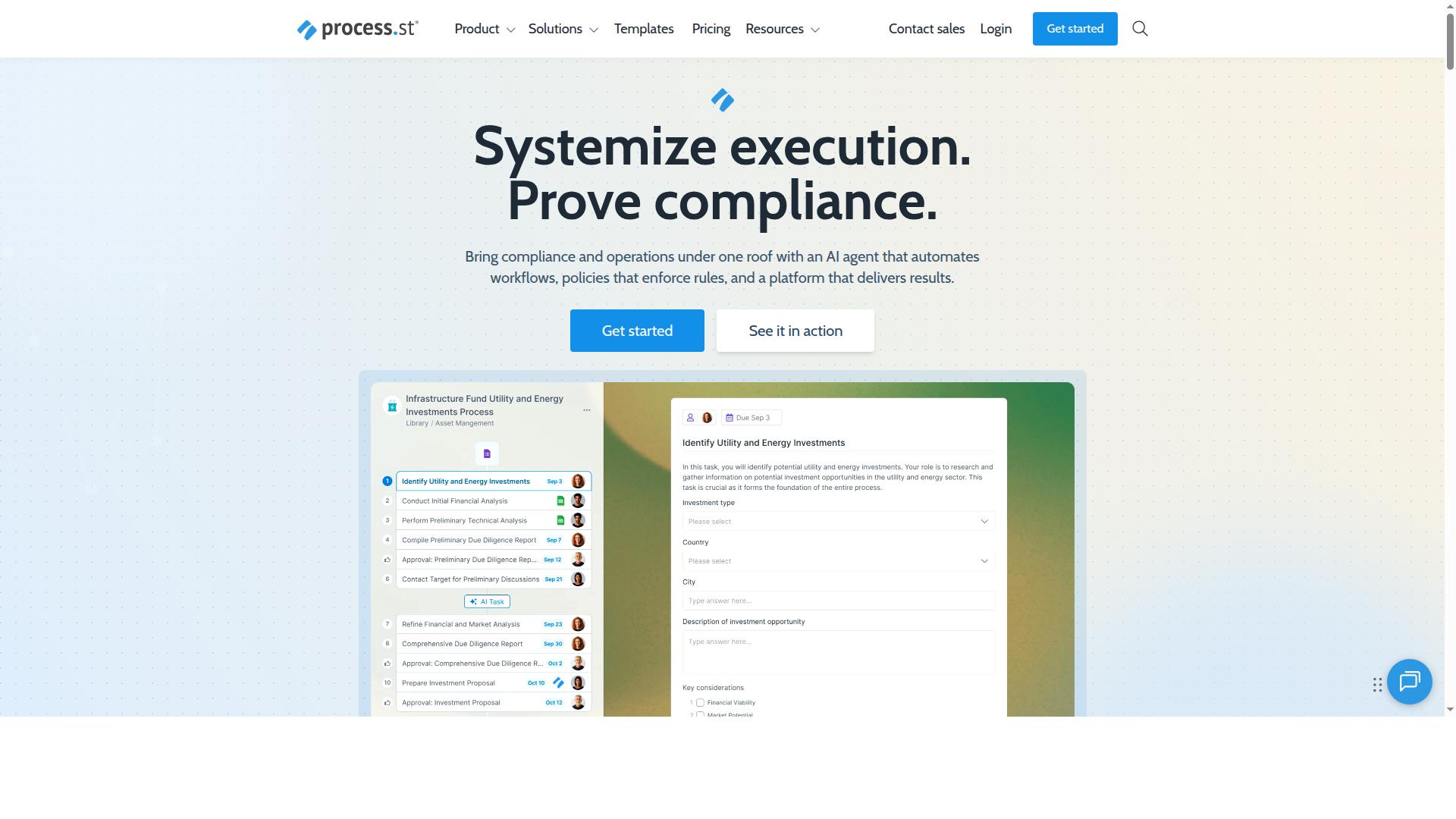
Process Street earns the top spot for its comprehensive approach to approvals and audit trails, combining workflow automation with compliance-grade documentation. It is built for teams that treat every approval as a record worth keeping, not just a box to tick.
Where many tools bolt approvals onto task management, Process Street treats them as part of a governed process. That distinction matters for regulated teams weighing workflow software against compliance tracking needs.
The sections below break down how its products handle approvals, how audit-ready proof works, and what each plan includes.
Approvals, Audit-Ready Proof, and Pricing
Process Street's approval workflows are built on a foundation of audit-ready proof, with every action logged and traceable for compliance purposes. The platform splits into two core products that cover different sides of governance.
Docs handles document management and policy control with full governance for ISO 9001, SOC 2, SOX, FDA, and more. It is the layer that keeps policies current and defensible.
Ops turns those policies into AI-powered workflows. Workflow automation and process orchestration mean an approved policy becomes an executable process, so approval routing and business process automation follow the same rules your documentation describes.
Audit-ready proof is the through-line. Each workflow run produces a traceable record, which supports regulatory compliance work such as SOX compliance and ISO 27001 readiness without a separate scramble for evidence. Cora, the AI compliance agent, monitors regulations, automates work, and flags risks 24/7, adding a watchful layer on top of the workflow itself.
Integrations include Zapier, Microsoft Power Automate, Tray.io, Make, and Public API access, so approval steps can connect to the rest of your stack.
Pricing comes in three plans:
- Startup: a simplified Pro plan for startups, with unlimited workflows and tasks, up to 5,000 Data Set records, 5 users, 10 guests, 10 automation apps, 100 automation actions per month, and Public API (50 calls per month).
- Pro: transforms team knowledge into actionable workflows, with unlimited workflows and tasks, up to 10,000 Data Set records, custom users and guests, all automation apps, plus custom automation actions and API calls per month.
- Enterprise: a scalable operational knowledge repository with custom Data Set records, unlimited Public API access, a dedicated Success Manager, priority support, fully-managed workflows, custom integrations, bulk document import, process consulting and health audit, and personalized team training.
A 14-day free trial is available on the Pro plan, no credit card required. Small teams can validate their approval workflows on Startup, while larger organizations get the governance depth and support that Enterprise provides.
2. Appian
Appian is a low-code automation platform that offers robust approval workflows and audit capabilities, though it may require more technical resources to implement. It is built for organizations that need to model and run complex business processes across multiple departments, systems, and stakeholders.
In the approvals space, Appian supports the kinds of controls large enterprises expect: multi-level approval chains, conditional logic, and role-based access control tied to defined user permissions. Its audit capabilities support compliance tracking through activity logs and a change history that records who did what and when. These are the building blocks teams need for regulatory compliance work such as SOX or ISO 27001, where an immutable audit log and clear segregation of duties matter.
The trade-off is complexity. Appian's low-code label does not mean zero technical effort. Public commentary on the platform, including a critical review from Tallyfy, argues that Appian "calls itself low-code, but you still need developers, consultants, and a six-figure budget to get it running." That view is one source's opinion rather than a measured fact, but it points to a real pattern: platforms in this class often demand specialist resources.
For teams evaluating Appian, a few practical checks help:
- Confirm whether your team has developers or consultants available to configure and maintain approval routing and escalation rules.
- Ask how audit trails and event logging are exposed to auditors, and whether logs can be exported or reviewed outside the platform.
- Map your approval chains (sequential, parallel, or conditional) before implementation so scope stays controlled.
- Clarify total cost of ownership, including implementation services, not just licensing.
Appian can be a strong fit for large enterprises with complex BPM needs and the technical bench to support them. Smaller teams seeking faster setup may find the implementation curve steep, which is worth weighing against the depth it offers.
3. Nintex
Nintex is known for its powerful workflow automation and approval routing capabilities, with a strong focus on integration and process efficiency. It is workflow management software built for enterprise teams that need to automate, document, and manage complex business processes without heavy reliance on IT.
The platform leans on low-code and no-code tooling, so business users can assemble approval workflows without writing custom code. That makes it a practical fit for mid-sized organizations and teams across industries that want to move approval routing out of email threads.
For teams evaluating approval and audit trail depth, Nintex offers a broad toolkit rather than a single narrow feature. The core of that toolkit is drag-and-drop design tools paired with process mapping, which helps teams document how a process actually runs before they automate it.
Approval routing sits at the center of many Nintex builds. Teams can model approval chains, route documents and requests to the right people, and attach conditional logic so steps only trigger when specific conditions are met. Document generation and eSign capabilities extend those flows into document approval and digital signature scenarios.
Beyond approvals, Nintex bundles robotic process automation and application development into the same platform. That breadth matters for teams running business process automation across several departments, where one workflow may need to touch multiple systems.
Deployment options are flexible. Cloud users can work with Nintex Automation CE, while teams that need self-hosted control can use Nintex Automation K2. There is also Nintex for Salesforce, which runs inside Salesforce for teams whose processes live there.
Audit trail depth is where buyers should look closely. Nintex can support compliance tracking and change history, but the depth of those records may vary by configuration. How much detail lands in activity logs and event logging depends on how a workflow is designed and what the team chooses to capture.
That flexibility is a strength and a caution. Teams with strict regulatory compliance needs, such as SOX compliance, HIPAA, or GDPR obligations, should confirm during evaluation that the configuration they plan supports the record retention and immutability their auditors expect. The same applies to financial controls and segregation of duties requirements.
Public feedback gives a balanced picture. Nintex holds a 4.4 out of 5 customer rating, which suggests broad satisfaction. Concurrently, commonly cited drawbacks include challenging onboarding, slower support, and an interface that can feel unintuitive at times.
Pricing is listed as pricing upon request, and a free demo is available. Teams comparing options should use that demo to test the specific approval and audit scenarios they care about rather than relying on a generic walkthrough.
Here is a quick summary of what to weigh when assessing Nintex for approvals and audit trails:
- Strengths: workflow design, integration, process mapping, document generation, eSign, and RPA in one platform
- Approval capabilities: approval routing, conditional logic, and multi-step chains built with low-code tools
- Audit considerations: change history and event logging depend on configuration, so verify depth against your compliance requirements
- Watch-outs: onboarding effort, support responsiveness, and interface learning curve
Nintex suits teams that value a wide automation toolkit and are prepared to invest time in configuration and setup. Teams that want audit trails to work with minimal tuning should test that dimension directly before committing.
4. SweetProcess
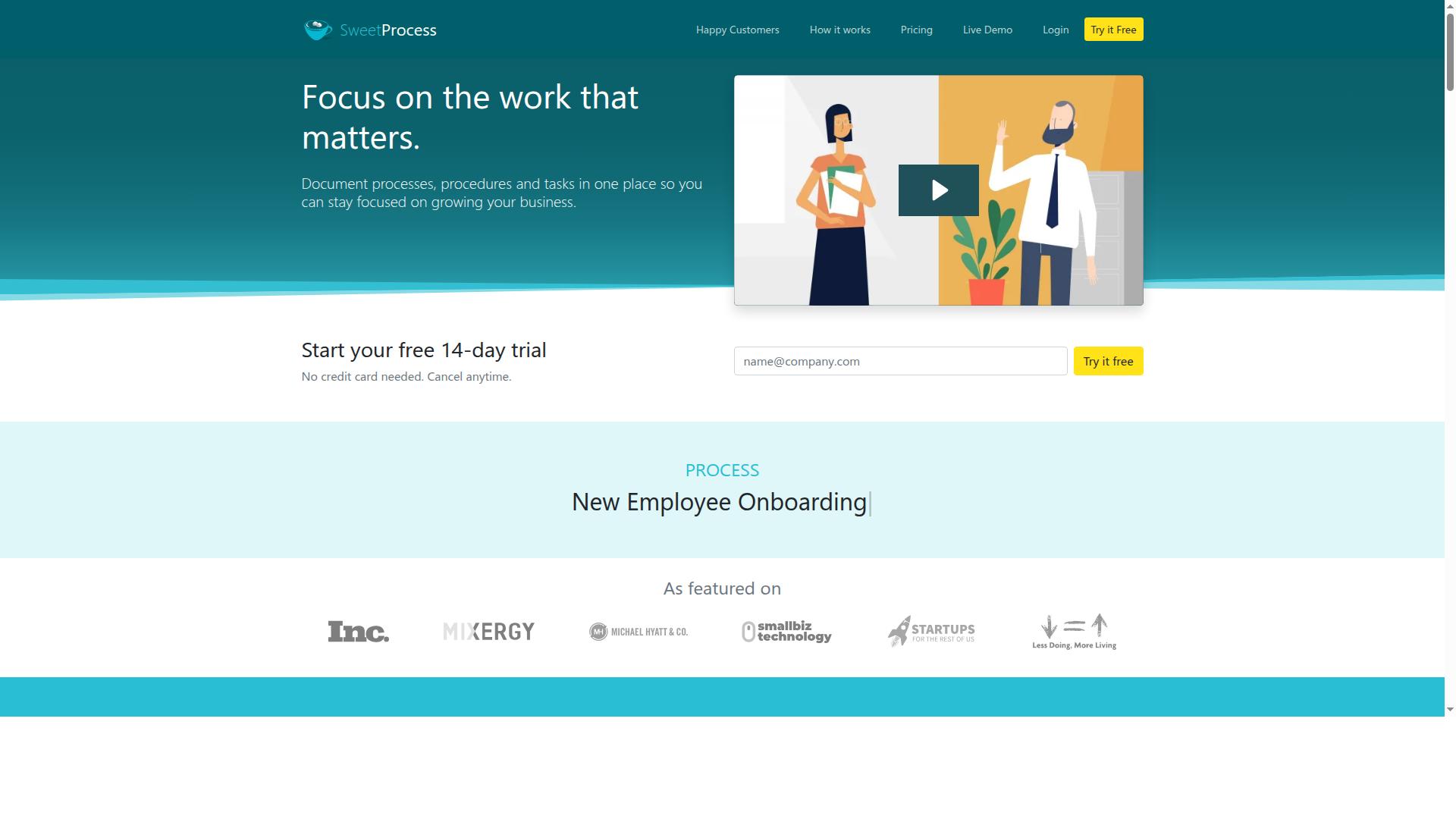
SweetProcess excels at documenting standard operating procedures and simple approval workflows, making it a good fit for teams focused on process documentation. Its core strength is turning policies, procedures, and recurring tasks into a single, searchable body of knowledge.
For teams that need approval workflows tied closely to written procedures, that documentation-first design is genuinely useful. A policy can sit right next to the task that implements it, which keeps team collaboration grounded in a shared reference point.
The platform covers procedures, policies, processes, quizzes, task assignment and tracking, teammates and managers, teams, and public or private knowledge bases. It also offers AI document writing and integrations with more than 1,000 apps.
Pricing is one all-inclusive plan at $99/mo for 10 users, with $5 per additional user after that. A 14-day free trial is available and does not require a credit card.
On approvals, SweetProcess handles the basics: tasks can be assigned, tracked, and signed off as part of a documented procedure. That supports straightforward approval routing where a step simply needs a named person to confirm completion.
What it does less clearly is deep audit trails. Teams in highly regulated environments, such as those weighing SOX compliance, HIPAA, or ISO 27001 obligations, should look closely at how much change history and event logging the platform exposes before committing.
Consider what a documentation-led tool typically does and does not cover:
- Strengths: centralizing SOPs, policies, and task instructions in one knowledge base
- Strengths: simple sign-off steps inside documented procedures
- Weaker areas: multi-level approvals, conditional logic, and escalation rules
- Weaker areas: immutable audit logs and granular role-based access control for compliance reporting
None of this makes SweetProcess a poor choice. It simply means the fit depends on whether your approval needs are procedural or regulatory.
SweetProcess suits small businesses, mid-sized businesses, growing teams, and established organizations that mainly need workflow management and process documentation. If your approval chains are short and your audit requirements are light, it covers the ground well.
If you need multi-level approvals, sequential approval or parallel approval paths, and compliance tracking built for auditors, evaluate the depth of its activity logs and permissions model carefully during the trial.
A practical next step is to run one real document approval process through the trial and check what the resulting record actually shows.
5. Tallyfy
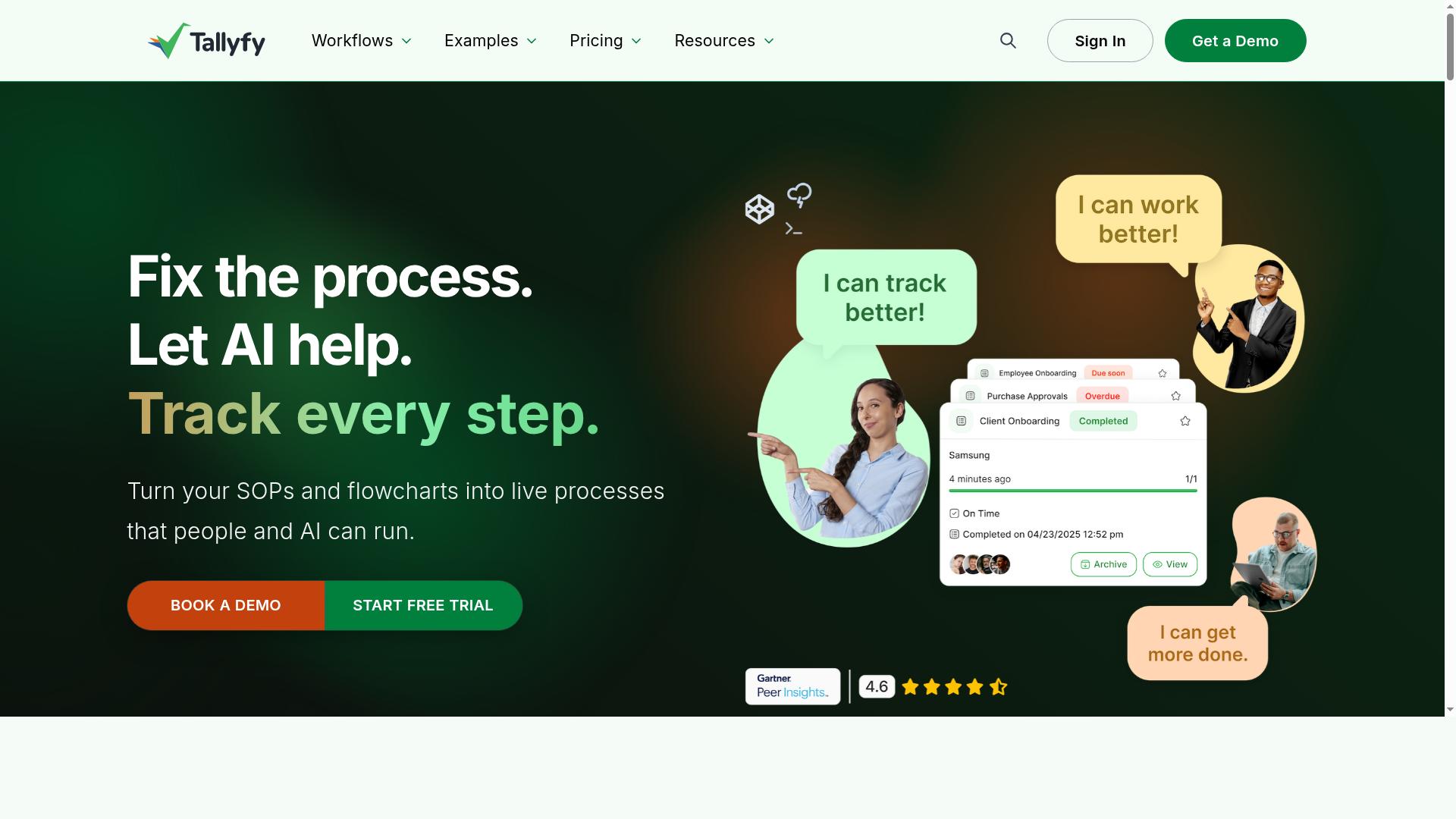
Tallyfy offers a user-friendly workflow management system with approval steps and audit logs, ideal for small to mid-sized teams seeking simplicity. Its design philosophy centers on a clear idea: every task gets done by a person, AI, or an app. That framing makes it approachable for teams that want structured approval workflows without a steep learning curve.
The platform covers the essentials for approval routing and day-to-day team collaboration. Users can build tasks and approvals, attach forms, and monitor live status as work moves forward. Automations and integrations connect the workflow to the rest of a team's tools, while an API and webhooks give technical users room to extend the system.
For access control, Tallyfy supports SSO and guest access, which helps teams bring in outside collaborators without giving them full run of the workspace. AI tools, including Tallyfy AI and an MCP server, add a layer of assisted execution on top of the standard workflow. Teams can also start from free process, form, and document templates rather than building every workflow from scratch.
On the audit side, Tallyfy provides activity logs that record what happened inside a workflow. For a small team tracking document approval or a simple sequential approval chain, this is usually enough to answer who approved what and when. Teams with heavy regulatory compliance needs, such as SOX compliance or HIPAA, should look closely at whether the depth of change history and event logging matches their requirements, since these logs may not be as comprehensive as enterprise-grade platforms.
Pricing is structured around two seat types, billed per user annually. A Full Seat is $300/year for users who create and edit templates, and a Light Seat is $100/year for users who complete assigned tasks. That split suits teams where a few people design approval workflows and many more simply participate in them.
Tallyfy fits teams running repeatable processes that need straightforward approval steps and a workable record of activity. It is a reasonable starting point for smaller organizations building their first structured approval workflows, provided they confirm the audit detail meets their compliance tracking obligations before committing.
6. ProcessMaker
ProcessMaker is a low-code BPM platform that provides configurable approval workflows and audit trails, though it may require technical expertise to customize. It is now part of Decisions and is positioned as a low-code tool for enterprise business process automation.
Teams evaluating it for approval-heavy processes should weigh its flexibility against the effort required to set it up. The platform can be shaped to fit detailed requirements, but that shaping is often a project in itself.
Its G2 rating of 4.3 out of 5 suggests generally positive user sentiment. Pricing is listed as "Starts at $3,000/month, billed annually," and there is no free tier, so it fits organizations with budget and scale to match.
On approvals, ProcessMaker supports multi-level approval chains and conditional routing that can be tailored to an organization's structure. Because it is low-code at its core, teams can adjust forms, logic, and data handling rather than working strictly within fixed templates.
For audit trails, the platform can be configured to capture process activity and change history. This makes it a plausible fit for compliance tracking in regulated environments, assuming the configuration is done carefully and validated.
The tradeoff is technical depth. Customization often needs developer or BPM specialist involvement, which can slow rollout and add cost. Teams without that resource should plan for it before committing.
Consider ProcessMaker when your approval requirements are complex and your organization has technical capacity to build and maintain them. It suits enterprise-grade BPM automation rather than simple, fast-to-launch approval flows.
It is less ideal for small teams wanting a quick setup with minimal configuration. In those cases, a workflow management system with built-in approval routing and audit logs out of the box is usually the faster path.
Before deciding, ask two questions. Can your team support the customization effort, and does the resulting approval workflow design hold up under audit scrutiny? Clear answers to both will tell you whether ProcessMaker is the right fit.
How to Choose the Right Option
Choosing the right workflow software depends on aligning your team's size, approval complexity, and audit requirements with the features each tool offers. A five-person startup and a 5,000-person enterprise rarely need the same approval routing depth or compliance tracking.
Start by mapping how many approval chains your team runs and how much change history regulators or auditors expect you to retain. From there, match tools against those two dimensions rather than feature checklists alone.
The subsections below break down what to prioritize at each team size, then explain how to pressure-test any shortlist before you commit to a workflow management system.
Matching Approval Needs and Audit Requirements to Team Size
For small teams (1-50 users), prioritize ease of use and basic approval routing, while larger organizations (500+ users) should demand granular RBAC, immutable audit logs, and regulatory compliance features. The middle tier sits between these extremes, and that is where most buying mistakes happen.
Small teams usually need simple sequential approval: one manager signs off, and a basic activity log records who did what. Avoid tools that bury this behind complex configuration. A lightweight workflow software with document approval and email notifications covers most needs, and team collaboration stays fast because nobody is managing approval logic.
Mid-sized teams (50-500 users) start hitting branching scenarios. Requests may need conditional logic, parallel approval, and escalation rules when a reviewer misses an SLA. Look for scalable approval routing and clear user permissions so you are not rebuilding workflows every quarter.
Large enterprises carry the heaviest burden. Segregation of duties, role-based access control, event logging that cannot be altered, and compliance certifications move from nice-to-have to mandatory. Financial controls under SOX compliance, HIPAA in healthcare, GDPR for personal data, and ISO 27001 all shape what your audit trails must capture.
Industry context matters as much as headcount. Teams in financial services, healthcare, and capital markets often face stricter audit expectations than a same-sized team in professional services or technology. Process Street serves teams across operations, compliance, human resources, finance, IT and security, and customer management, including organizations in financial services, healthcare, real estate, manufacturing, and property management. Those industries illustrate why the same user count can imply very different approval and compliance tracking needs.
Final Verdict
After evaluating approval logic, audit trail depth, and compliance features, Process Street stands out as the best overall choice for teams needing robust, audit-ready workflows. The platform pairs flexible approval routing with a dependable change history, so the same system that moves a request forward also records who approved it, when, and under what conditions.
That combination matters because approval workflows and audit trails are two sides of the same control. A workflow management system that captures multi-level approvals, sequential and parallel approval chains, and conditional logic gives reviewers real decision points. A strong audit trail then preserves each of those decisions as part of the permanent record.
For teams weighing workflow software, the practical test is simple. Ask whether the tool can enforce role-based access control (RBAC), log every approval action, and produce a clean history when an auditor or regulator asks. Process Street is built around that expectation, with compliance tracking that supports the documentation side of business process automation and BPM.
The trust signals are concrete. Process Street is SOC 2 Type II certified and ISO 27001 certified, and it is trusted by 3,000+ companies and 1m+ users. It is also HIPAA compliant with a BAA available upon request, GDPR compliant, CCPA compliant, and AWS CIS compliant, which covers the regulatory compliance questions most approval-heavy teams raise early.
Customer results reinforce the case. IMCD UK reported a 75%+ reduction in setup time, a sign that approval workflows can be configured without a long implementation project. Teams also see 30% faster documentation and 49k+ employees standardized onboarding, both useful when approval chains and escalation rules need to be documented consistently.
Other tools in this comparison remain reasonable choices for narrower needs. Some are stronger for simple document approval or e-signature, others for basic notifications and email-based approvals. Fewer combine deep approval routing, an immutable audit log, and recognized certifications in one workflow management system, which is why Process Street ranks first here.
Before committing, confirm your own requirements against the platform. Check that approval routing covers your approval chains, that activity logs and event logging meet your compliance tracking needs, and that user permissions map to segregation of duties and financial controls. Then run a short pilot with a real process.
Process Street offers a free trial for teams that want to test approval workflows and audit trails directly, and a demo through sales for groups that need to review regulatory compliance and security details first. Data is never used to train AI models, and the platform is available on AWS Marketplace, which simplifies procurement for many organizations.
Frequently Asked Questions
What makes Process Street a strong choice for teams that need approvals and audit trails?
Process Street is a compliance operations platform that automates business processes, enforces policies, and delivers audit-ready proof - which is exactly what approval-heavy teams need. Its Ops product turns policies into AI-powered workflows, while Docs provides document management and policy control with full governance for frameworks like ISO 9001, SOC 2, SOX, and FDA. That combination of enforced workflows plus governed documentation is why it tops this roundup.
Can Process Street support compliance and audit requirements out of the box?
Yes - compliance is core to the platform rather than an add-on. Process Street is SOC 2 Type II certified, ISO 27001 certified, and HIPAA compliant, and its Docs product is built for full governance across standards including ISO 9001, SOC 2, SOX, and FDA. For teams that need to prove who approved what and when, that audit-ready foundation matters.
Is Process Street only for large enterprises, or does it work for smaller teams too?
It serves teams of all sizes: the platform is trusted by 3,000+ companies and 1m+ users, from startups through global organizations. There's a dedicated Startup plan with unlimited workflows and tasks, and contact with sales is available to find the right fit. Teams in operations, compliance, HR, finance, IT and security, and customer management are all core audiences.
How does Process Street compare to low-code platforms like Appian for approval workflows?
It depends on how much implementation effort you want. Appian is a low-code platform for process automation and application development, but according to Tallyfy, Appian "calls itself low-code, but you still need developers, consultants, and a six-figure budget to get it running." Process Street, by contrast, is purpose-built for compliance operations and audit-ready workflows - and IMCD UK reported a 75%+ reduction in setup time - making it a faster path for teams focused on approvals and audit trails rather than custom app development.
What about alternatives like Nintex, SweetProcess, or Tallyfy?
Each has its niche: Nintex focuses on enterprise workflow automation with low-code/no-code tools, SweetProcess centers on documenting processes and policies, and Tallyfy emphasizes task and approval tracking with AI features. Process Street stands out by combining all three needs - workflow automation, document and policy governance, and audit-ready proof - in one compliance operations platform, backed by SOC 2 Type II and ISO 27001 certifications.
Where is Process Street available, and what support can teams expect?
Process Street is available globally online, with data residency options in the US, UK, Canada, EU, Australia, and UAE regions - useful for teams with regional compliance obligations. Support is available via email and chat with a 5-minute average response time and a 98% customer rating, and sales can be contacted directly to discuss plan options.